Sign in
Search
Outline
Not Real, Practice Triangle Rotation Tessellation Math 206
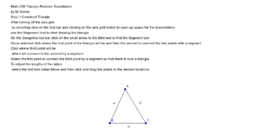
Triangle Rotation Tessellation Step 1
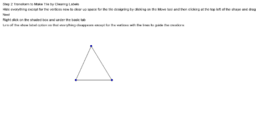
Step 2 Transform to Make Tile by Clearing Labels
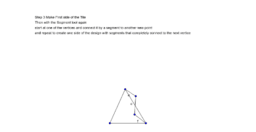
Step 3 Make First side of the Tile
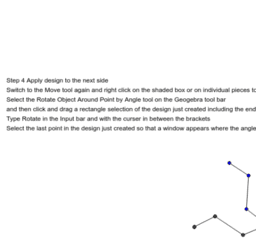
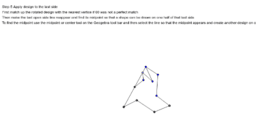
Step 4 Apply design to the next side
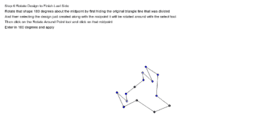
Step 5 Rotate Apply Design to last side
Step 6 Rotate Design to Finish Last Side
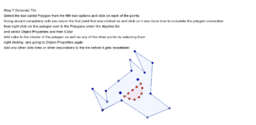
Step 7 Decorate Tile
Not Real, Practice Triangle Rotation Tessellation Math 206
Author:
M.Towne
Topic:
Rotation
How to create a triangle rotation tessellation using Geogebra
Triangle Rotation Tessellation Step 1
Step 2 Transform to Make Tile by Clearing Labels
Step 3 Make First side of the Tile
Step 4 Apply design to the next side
Step 5 Rotate Apply Design to last side
Step 6 Rotate Design to Finish Last Side
Step 7 Decorate Tile
Next
Triangle Rotation Tessellation Step 1
New Resources
Parabolas, Lines and Nomograms
Squares Question
Function Art 3D - Flower
Pythagorean Template: Integer Legs
Writing and Graphing Proportional Relationships (k>0)
Discover Resources
Quadratics 3
sin(x)/x
Construction of pentagon
Cube in one point perspective
Interior of triangle is 180 degree
Discover Topics
Congruence
Optimization Problems
Tangent Function
Tangent Line or Tangent
Interest Calculation